Release 4.00

Installing the Release

This release needs to be installed on the server only. (Be sure PCX isn't running on any other computers.) Install the release by following these steps:

  1. Press Esc to display the PCX Distributor System Menu.

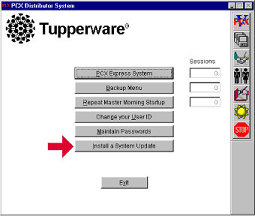
  1. At the Distributor System menu, click the "Install a System Update" button.


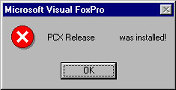
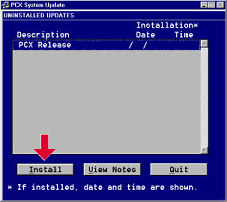
  1. At the PCX System Update screen, click on the Install button. A screen displays with the message that Release 04.00 was installed.


  1. Click on OK, and then Quit at the PCX System Update screen.

  1. Do a Before Going Home Backup.

 
  1. Continue processing as usual.